HelperBat feature
Group polls
A group poll puts candidate dates and times on one shareable page. Each participant can mark a slot Yes, Maybe or No, so the organizer can compare availability and make the final choice. Optional auto-booking is off by default; if enabled, it can book when every participant votes Yes for the same slot.
In practice
A realistic use case
A project lead proposes four kickoff times to a distributed partner group. Participants mark each option Yes, Maybe or No on the shared poll page. The lead reviews the response counts and selects a time manually; they could enable auto-booking for a poll if they want an event created only when everyone votes Yes for the same option.
The workflow
From setup to follow-through
- 01
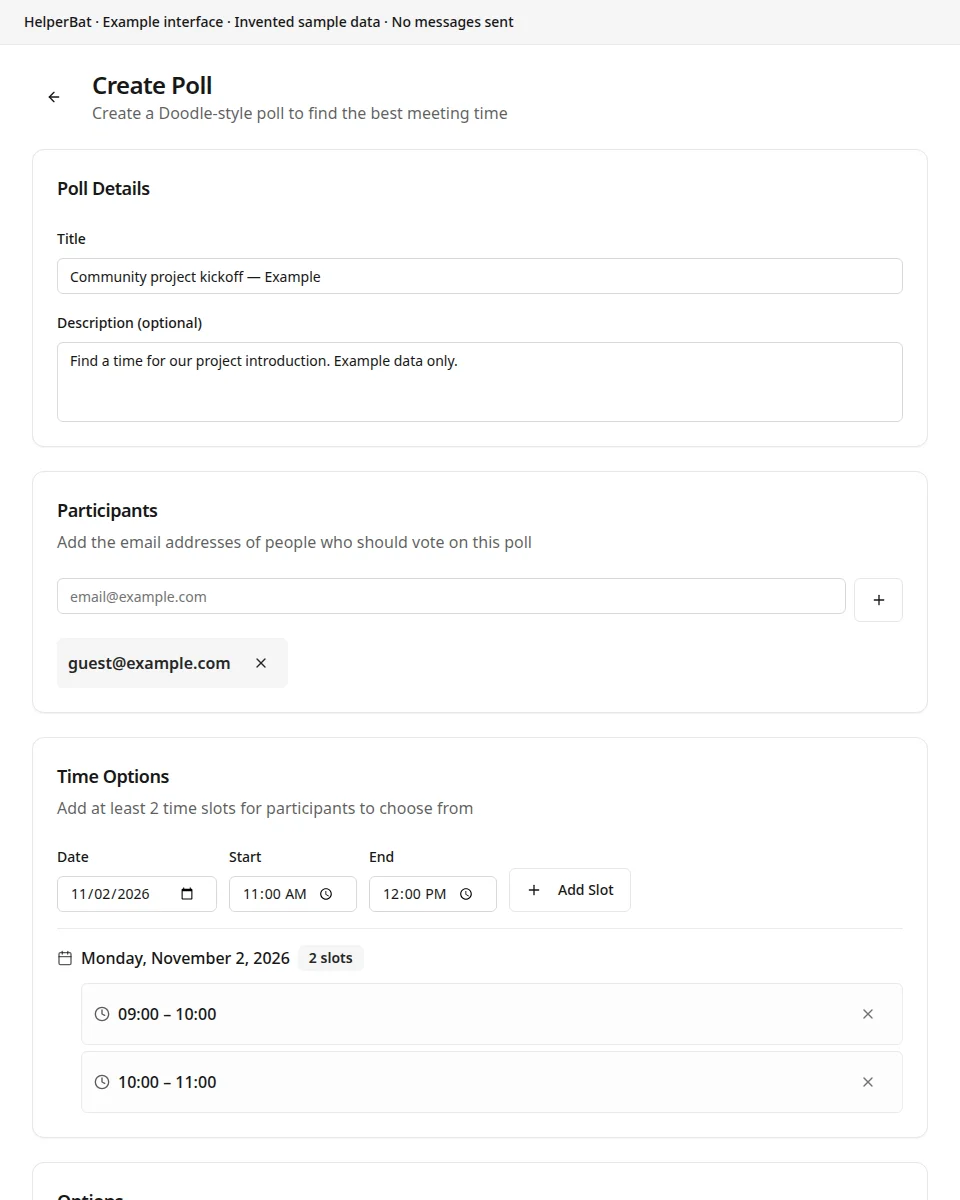
Create a poll with a title, meeting description, participant list and deadline.
- 02
Add candidate time slots and choose whether the assistant emails participants the poll link or you share the link yourself.
- 03
Set the optional auto-book and vote-notification preferences. Auto-book is off by default in a new poll unless you have changed your saved default.
- 04
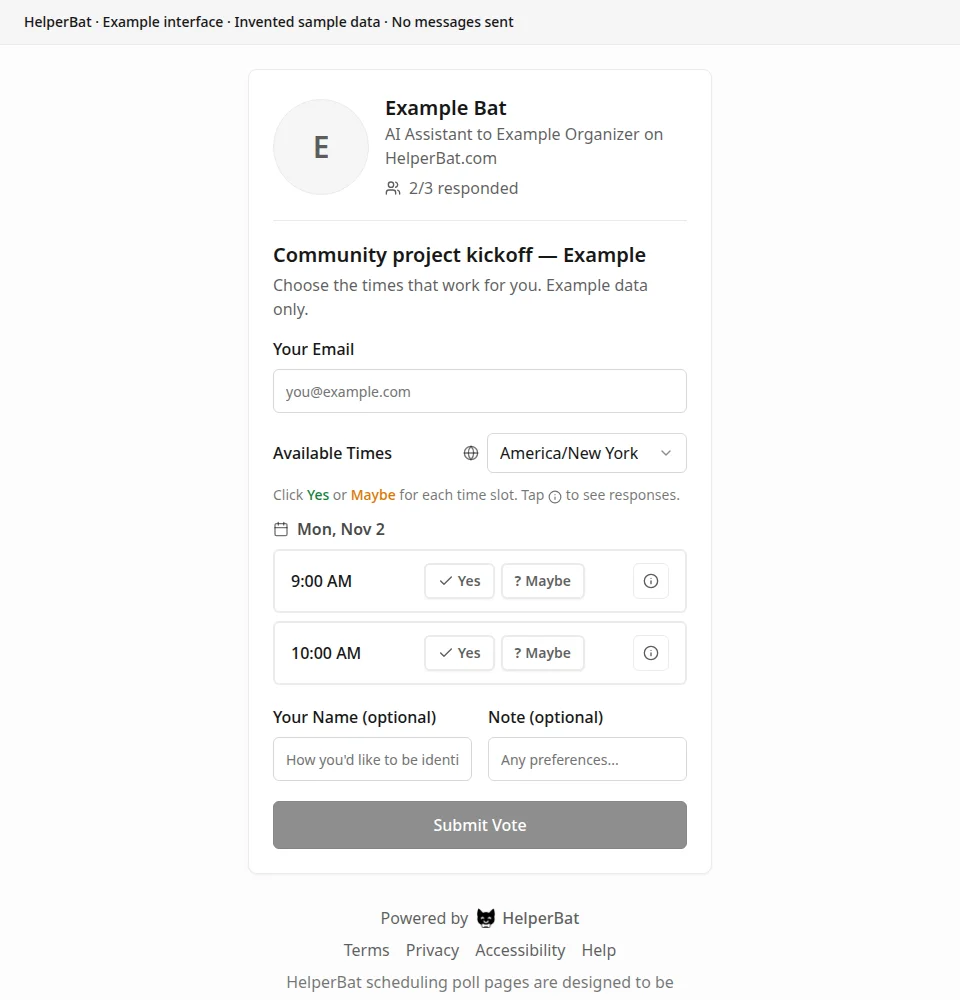
Participants open the link and mark each time Yes, Maybe or No. Review the response counts and comments as they arrive.
- 05
Choose a final slot manually, or let auto-book create the calendar event if every participant votes Yes for the same slot and auto-book is enabled.
A look inside
Screens from the workflow
Good to know
What to expect
- The poll compares only the slots the organizer enters, and participants must respond for their preferences to be counted.
- Maybe and No are not Yes votes. They do not meet the auto-book all-Yes condition; with auto-book off, the organizer chooses the final time.
- A poll collects preferences; it cannot make an unavailable time work for everyone or guarantee every participant replies.
Answers before signup
Frequently asked
How do participants respond?
They open the shared poll link and mark proposed slots Yes, Maybe or No. The page also shows response progress and per-slot counts.
Does a poll book the most popular time automatically?
No, not by default. Auto-book is an optional setting. When enabled, the system books only when every participant votes Yes for the same slot; otherwise the organizer reviews the results and chooses.
Can I share the poll myself?
Yes. During setup, choose to have HelperBat email participants or copy the poll link and share it through your own email, chat or other channel.
Can I be notified when someone votes?
Yes. Poll setup includes an option to receive an email notification when a participant responds.
Next step
See if it fits your work.
Plans and prices can change; check the current details before signing up.